What is the “Use google rich snippet” option and how to use it?
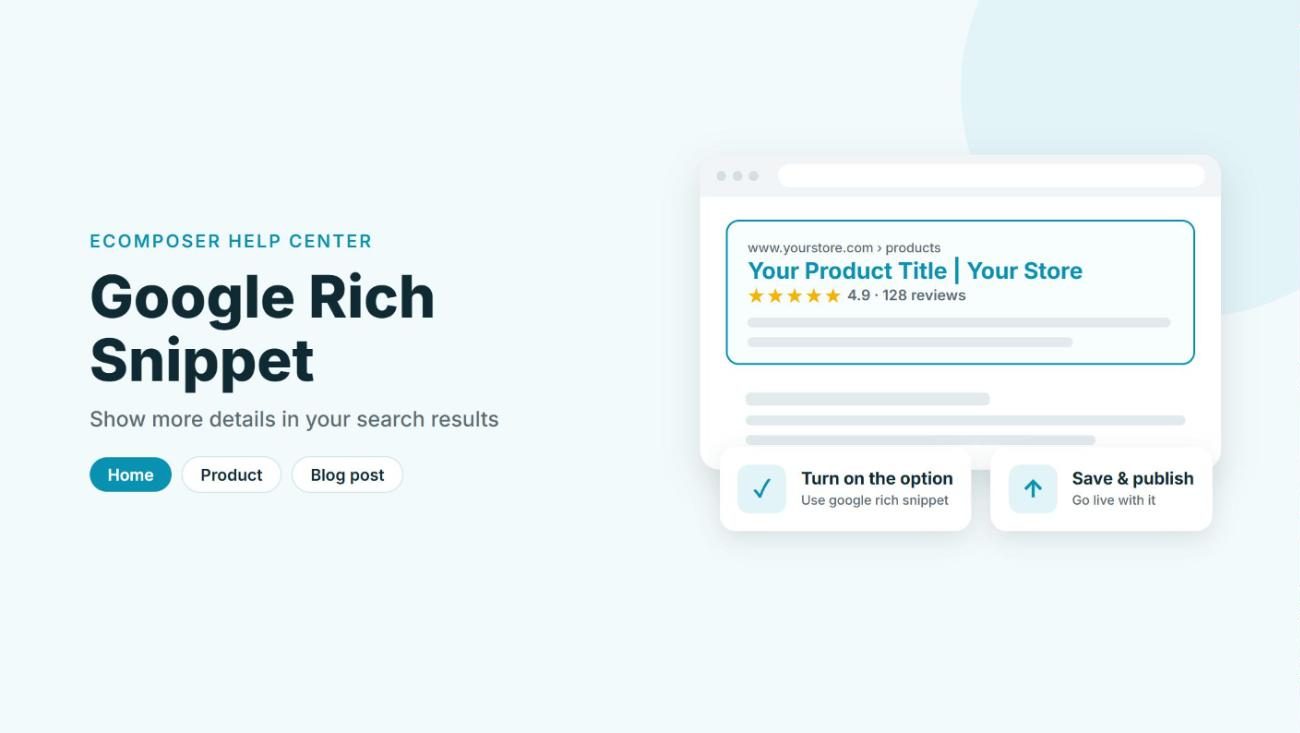
When someone searches on Google, most results show only a title, a link and a short description. A Google rich snippet adds extra details to that result, such as a product’s price and availability, so your page stands out and people know what to expect before they click. In this article, you’ll learn what the Use google rich snippet option does in EComposer and how to turn it on for your pages.
1. What is a Google rich snippet?
A Google rich snippet (often just called a “rich snippet”) is a search result that shows more than the usual title and description. To make this possible, your page includes structured data, a short piece of information written for search engines, and Google can use it to display extra details right under the link. On a product page, for example, EComposer adds the product name, brand, price and availability.
In EComposer, you don’t need to write any code for this. The Use google rich snippet option lives in the window that opens when you click Publish, and it’s available for these templates: Home, Product, Blog list, Blog post and Page.
2. Turn on the Use google rich snippet option
You can switch the option on while you publish a page, so there’s nothing extra to set up afterwards. Here’s how:
Step 1: Open the template or page you want in the EComposer builder, then click Publish in the top bar. A window opens with the general settings for your page.

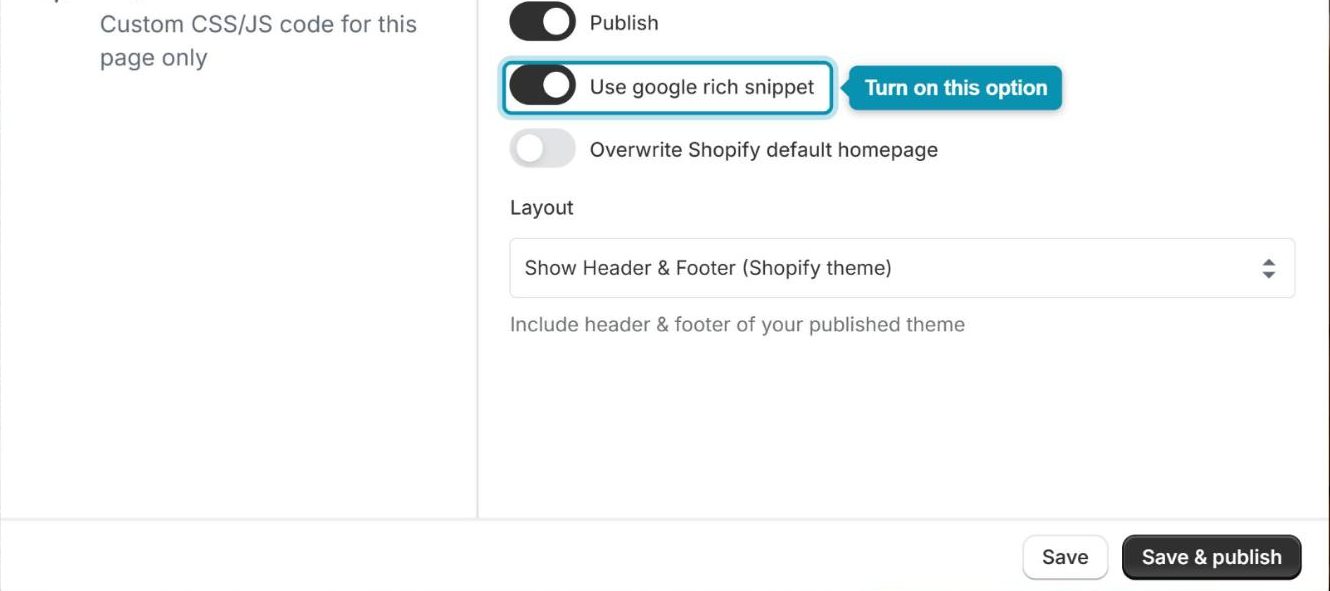
Step 2: Find Use google rich snippet in that window and turn the switch on.
Step 3: Click Save & publish. Please don’t use just Save here, because the option only takes effect on your store once the page is published.
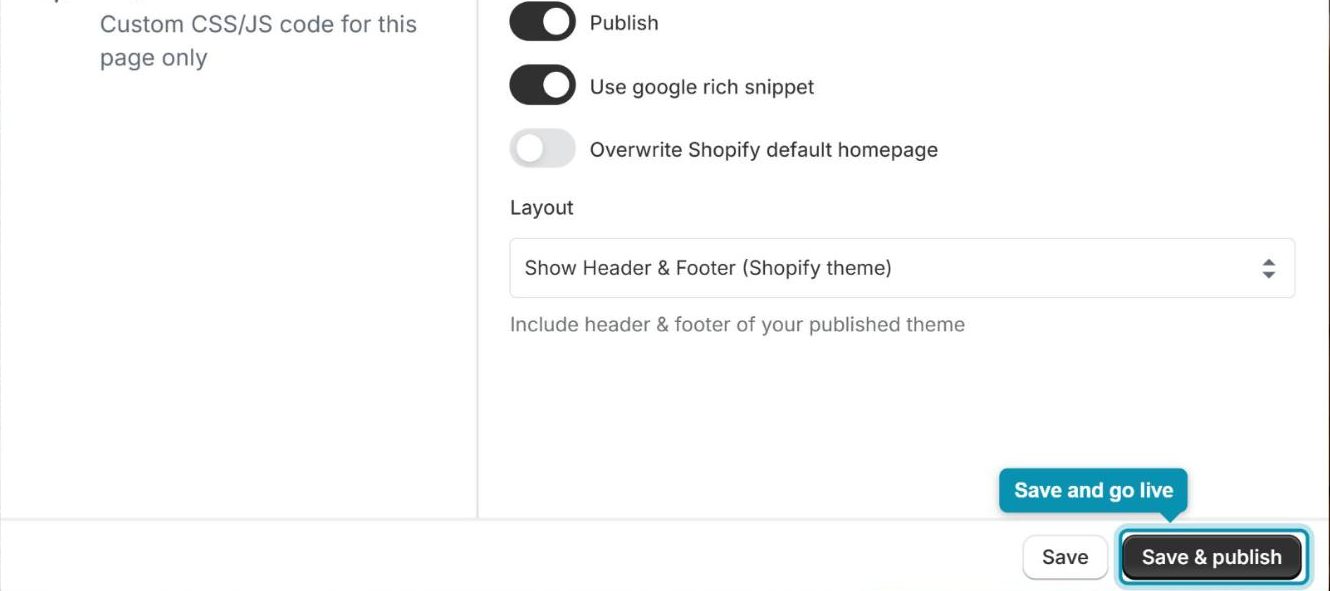
Changed your mind? Open the same window, turn Use google rich snippet off, and click Save & publish again.
Google decides whether to show a rich snippet for your page, and it can take some time before the extra details appear in the search results.