
Extension Overview
The Extensions library is a library of EComposer extensions and integrated 3rd-party app extensions. The extension allows you to add 3rd app elements to EComposer pages and templates.
From the left sidebar, go to Elements → Extensions
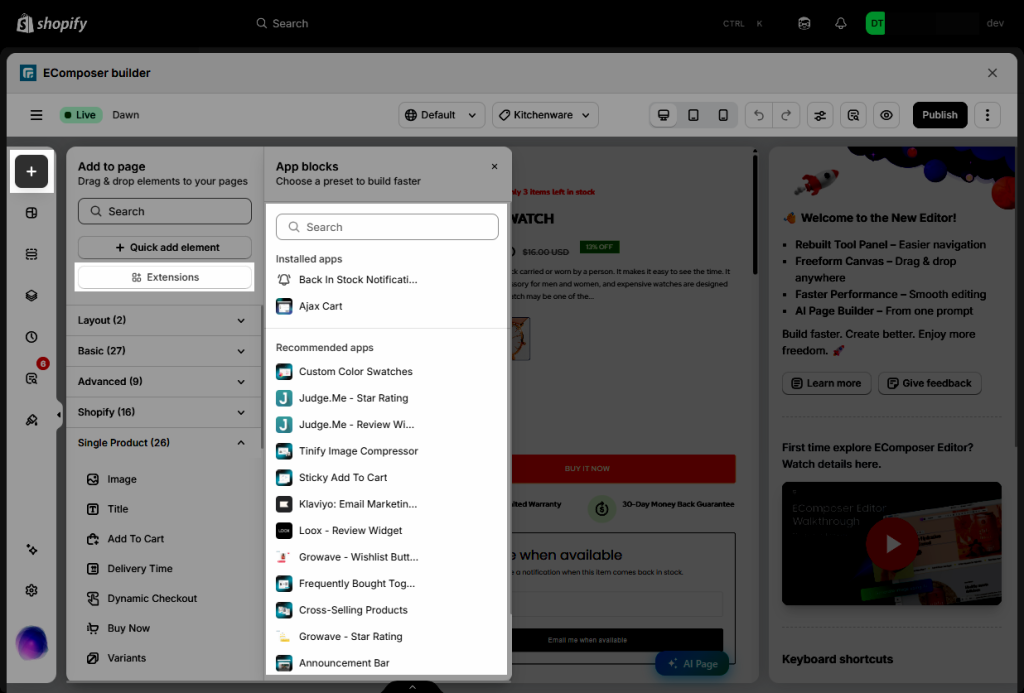
1. Extensions library
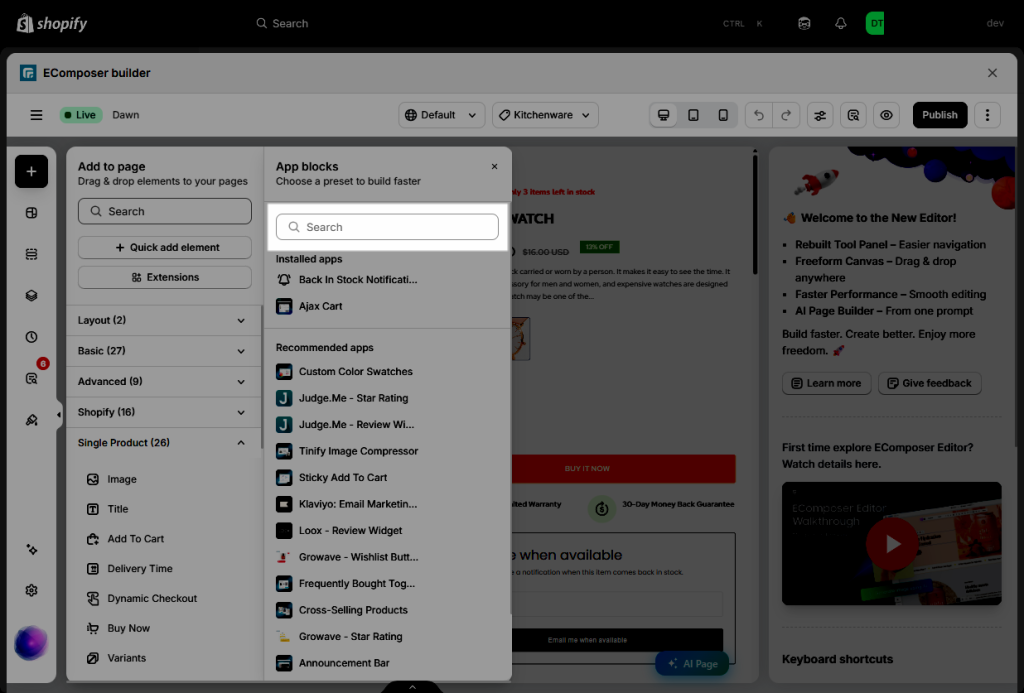
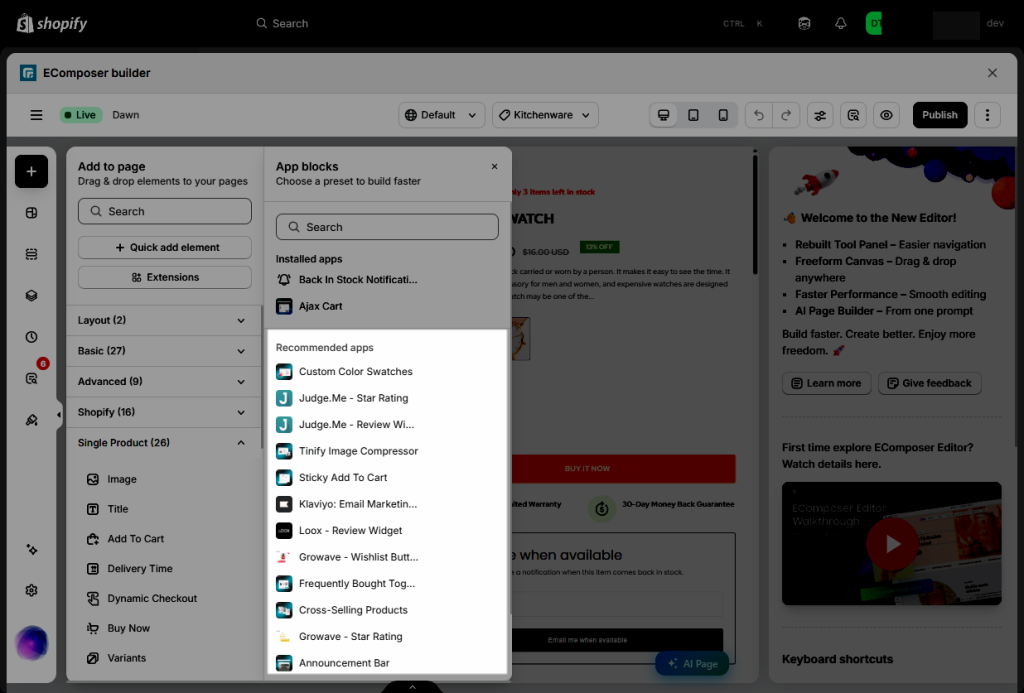
- Search extensions: This option allows you to search for extensions by name.
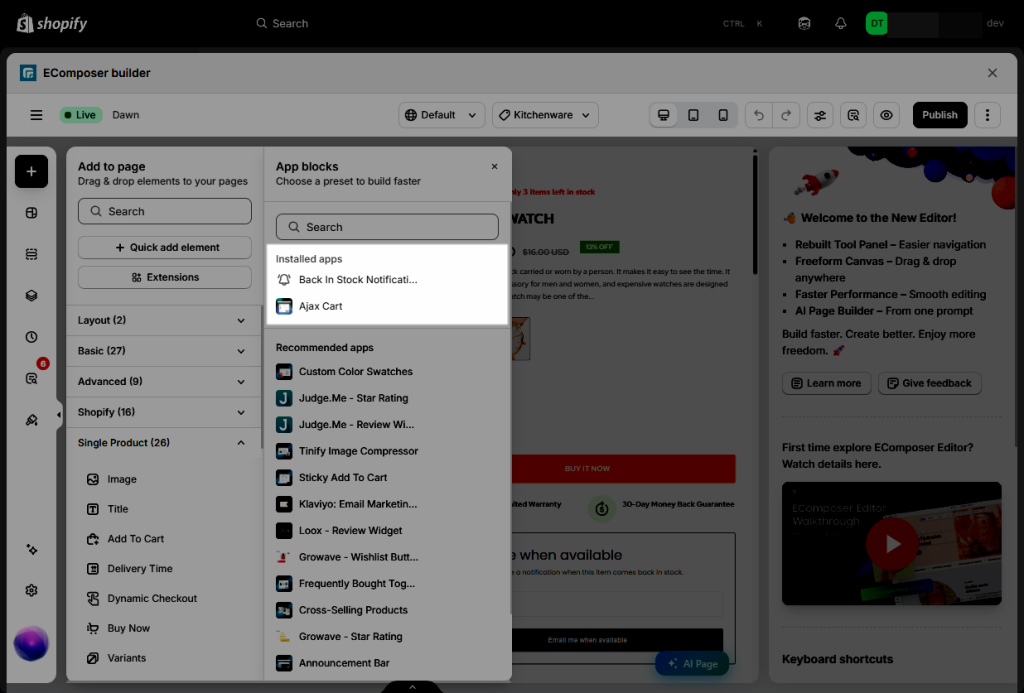
- Installed apps: It will display the extensions that you have installed.
- Recommended apps: Explore our curated selection of recommended extensions and third-party apps designed to give your store a professional edge. These tools help you build trust with customers and increase your sales effortlessly.
2. Adding an extension
To add an EComposer extension, just need to install it from the Library. Just for the 3rd-party apps, you should install the app in your store before installing the 3rd-party extensions in the EComposer.
- Step 1: Open the Extension library → Select the extension → click Install Now.
- Step 2: Once the extension is installed, it will appear in your Installed apps list.
- Step 3: Start to drag/drop the extension to the position that you prefer.
Important: The EComposer extenstions and 3rd-party app extensions only work on the live page.