

Growave rewards
1. How to install the Growave Rewards Extension?
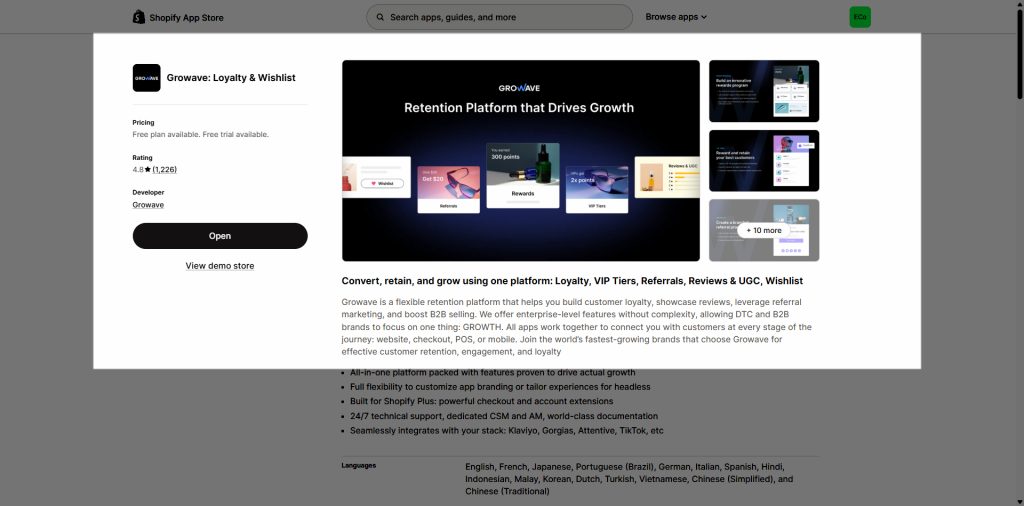
To use this extension, please install the Growave app from your Shopify store first.
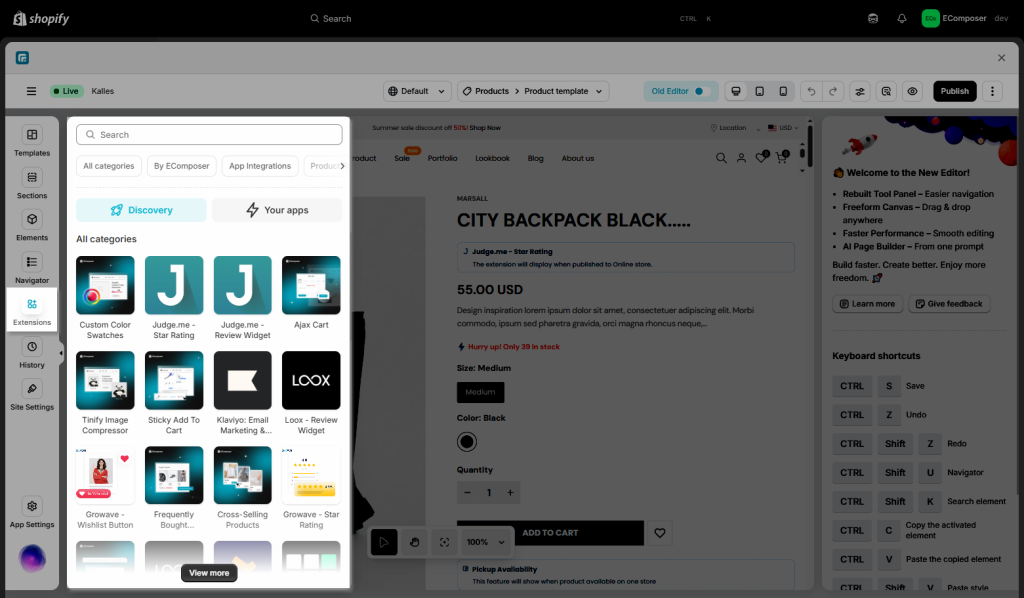
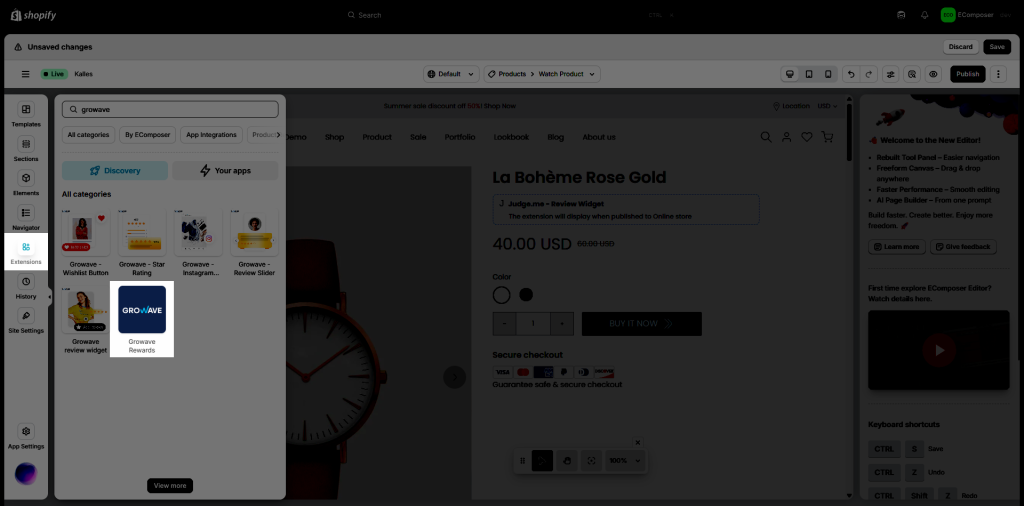
To open the Extension popup: From the left sidebar, go to Extensions → search for the extension name and click to install, or click View more to browse all available extensions in the app.
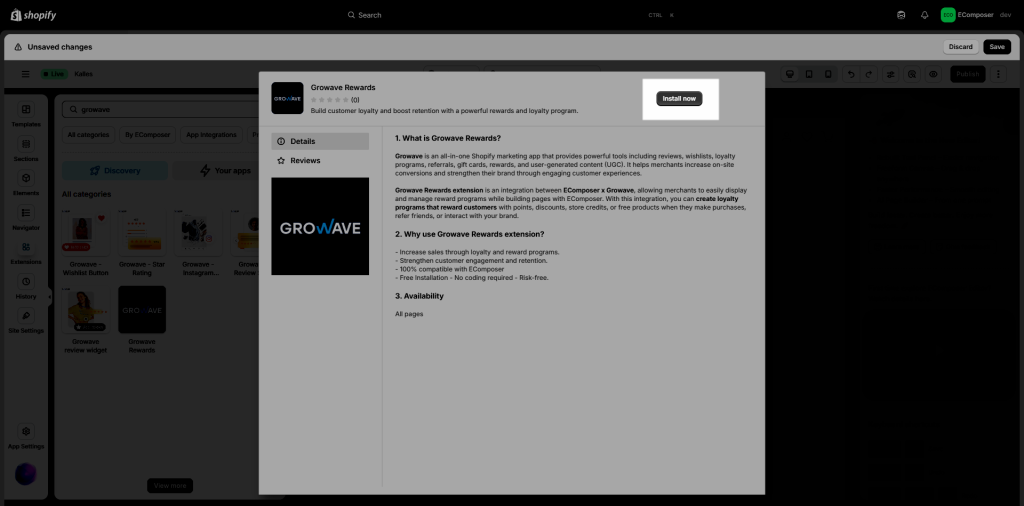
In the last stage that we have to do to complete all the adding steps, now you can search the Growave extension –> click on the “Install now” button to install it
2. How to add Growave Rewards extensions into EComposer App?
Notice: The extensions only work on the live page