

Text Marquee
Use the Text Marquee to animate your text in a horizontal loop. It gives the screen some movement and prevents it from being totally still. This can also help increase sales and customer engagement.

You can drag & drop the Text Marquee element from the Advanced tab to any location where you want to add it in the editor.
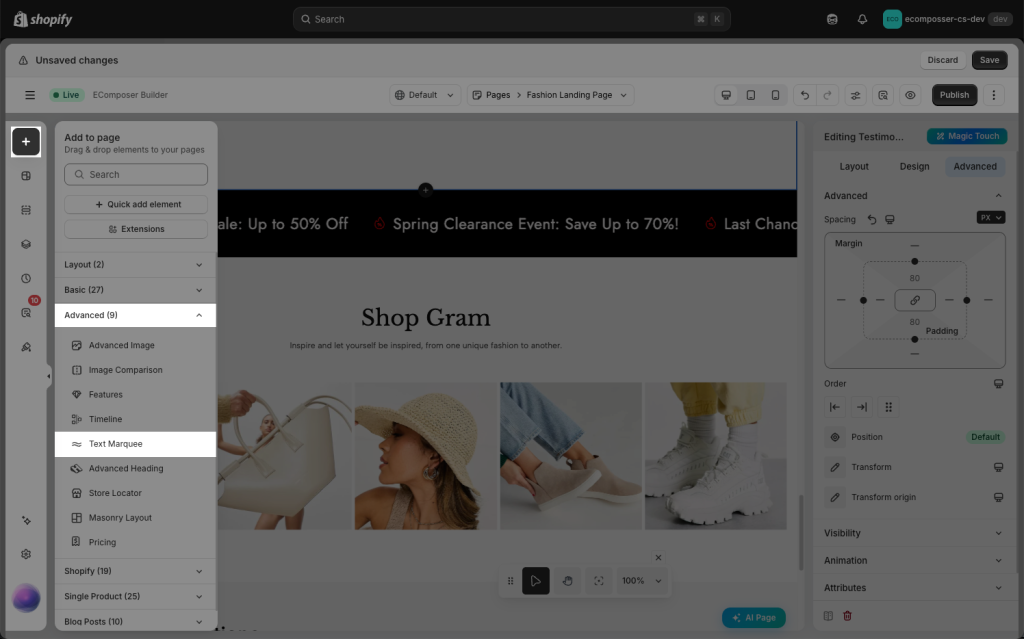
1. How to create Text Marquee
1.1 Edit Content
- Group Items: Shows the list of highlighting important text content that you want to draw attention to.
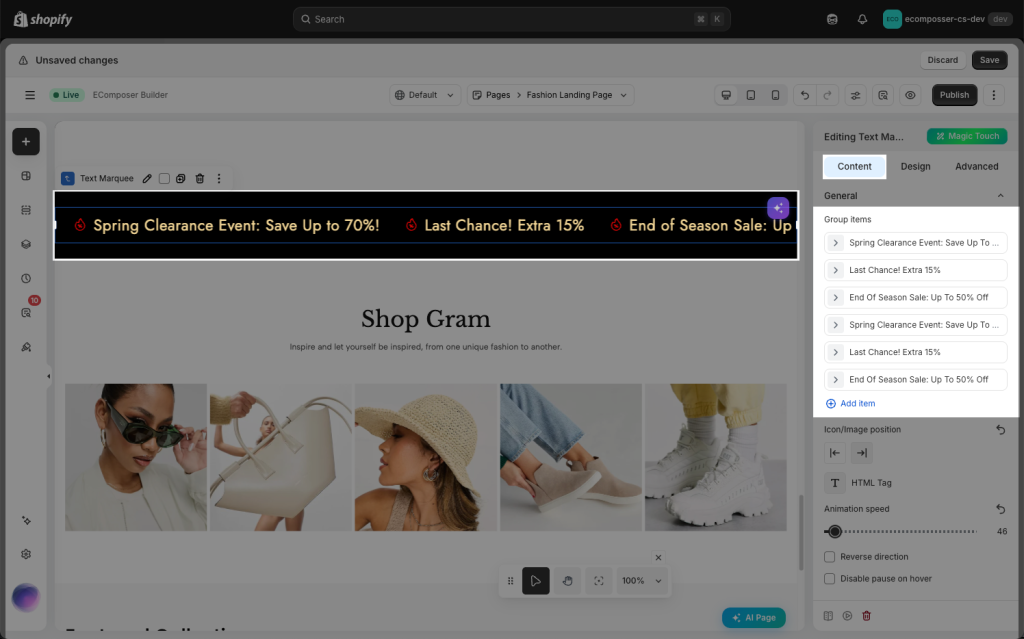
- Text: This field is used for your main message or content that you’d like to display.
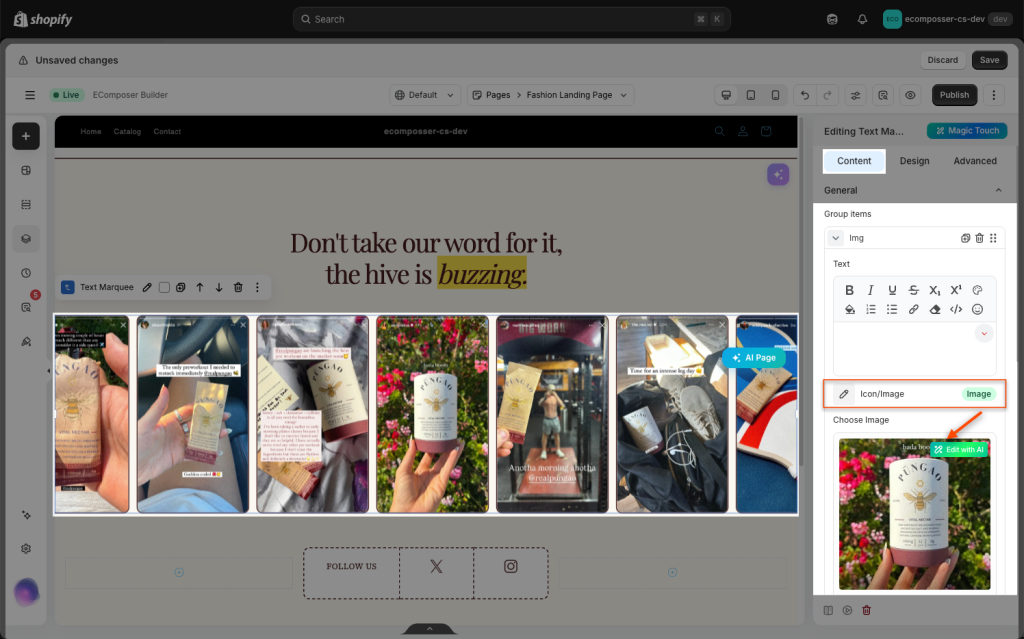
- Icon/Image: You can modify the icon there or use the Image to create the promotion’s decoration. Also, you can modify the position of the Icon/Image via the options named “Icon/Image position.“
- Insert link: Used to add a link that will route the customer to a particular page when the scrolling text is clicked.
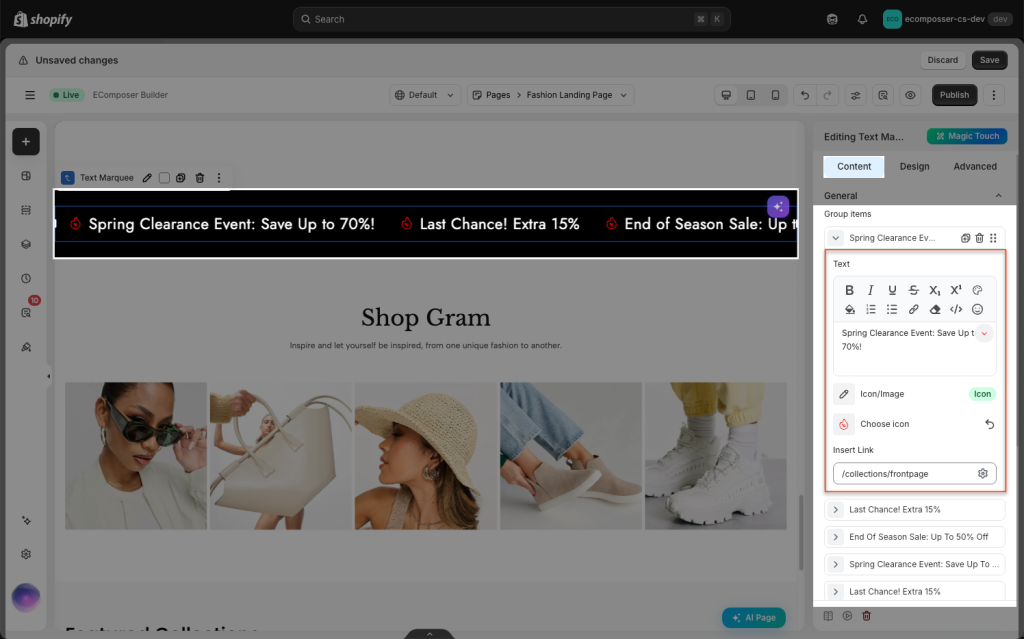
- Animation Speed: Controls how fast or slow the scrolling of the text. In most cases, you can set it to 0.2 or higher.
- Reverse direction: Normally, it will play from Right to Left, but if you’d prefer the opposite, you may use this option to make it play from Left to Right.
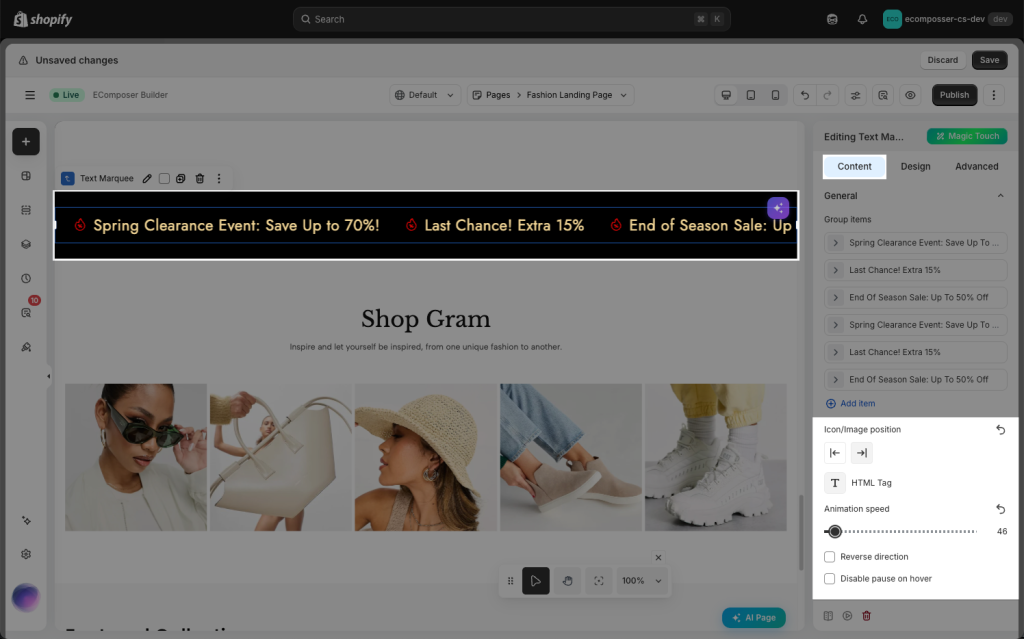
1.2 Edit Design
You will be presented with customization options and settings that you can adjust to match your store’s style.
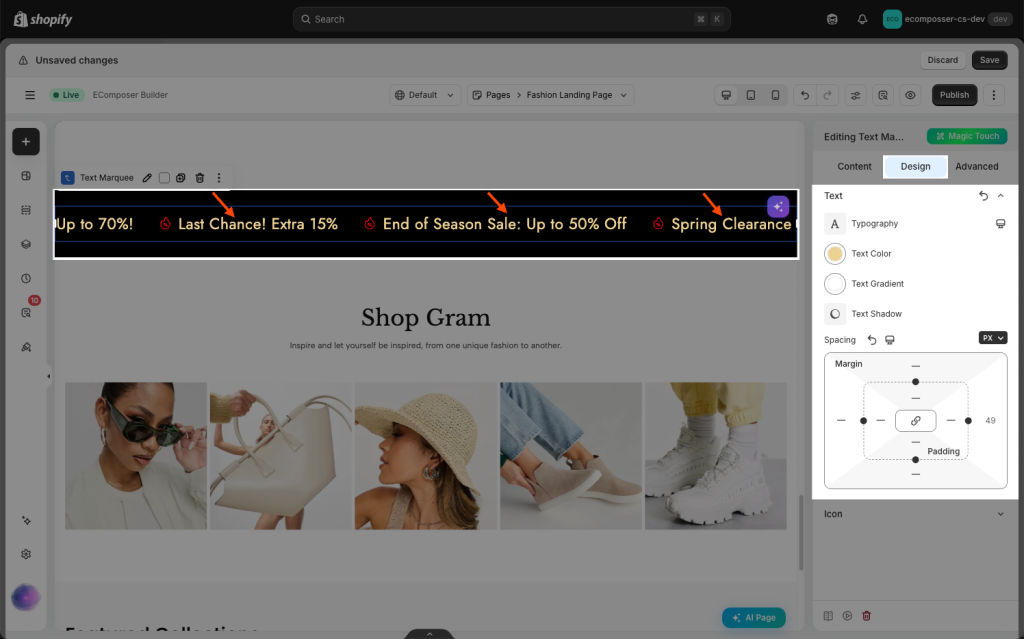
- Text: While discussing text design, several of the fundamental settings, like typography, text colour, text gradient, text shadow, and spacing, can be changed.
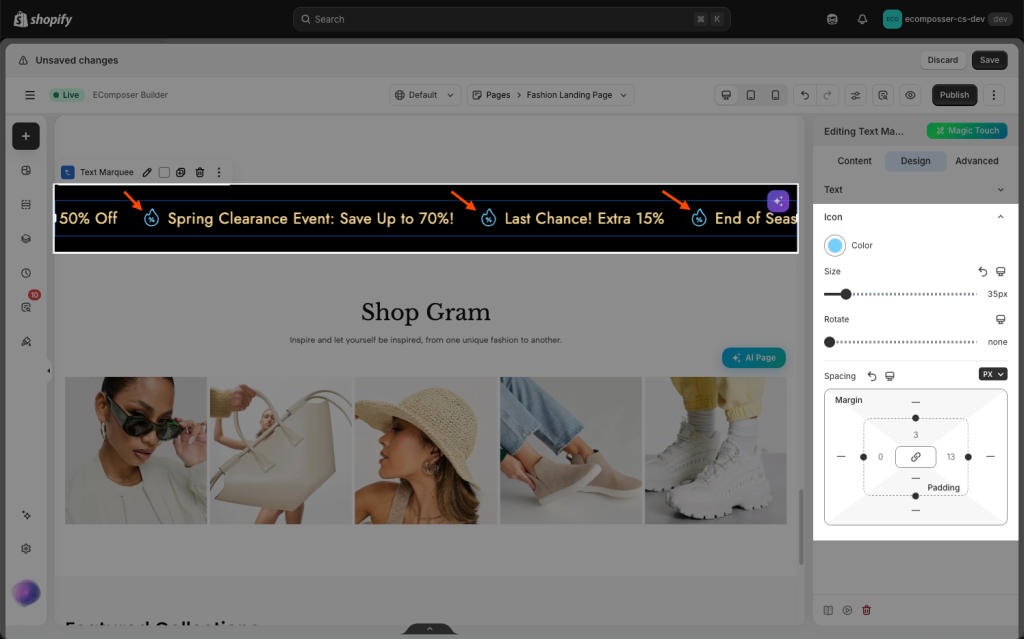
- Icon: In terms of icon design, some of the major settings, including icon colour, size, rotation, and spacing, can be changed.
2. How to create Image Marquee
Instead of scrolling text, this marquee showcases a scrolling product or a gallery without requiring users to click through traditional sliders. They are really eye-catching!
In the Content tab, please choose the type Image
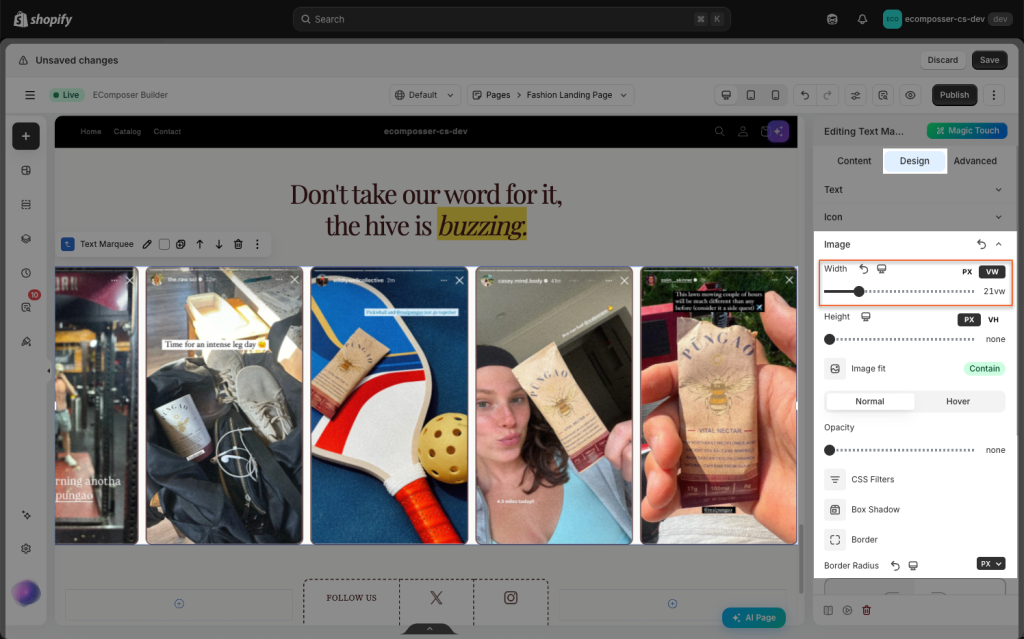
Then go to the Design tab to modify the style of the image, such as width, height, image fit, and some of the basic settings.
You can check the following video for more details on how to set up this marquee: